About
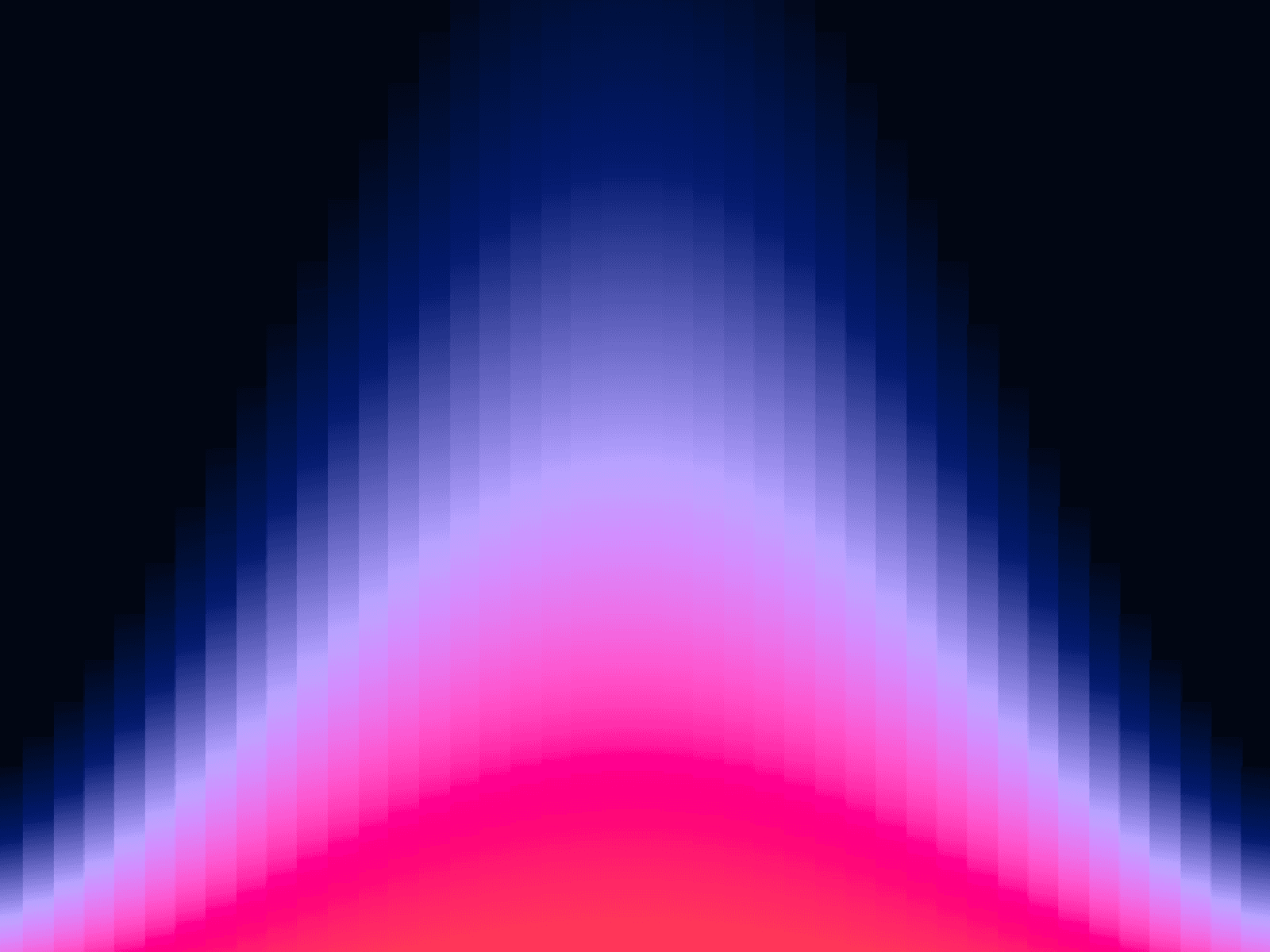
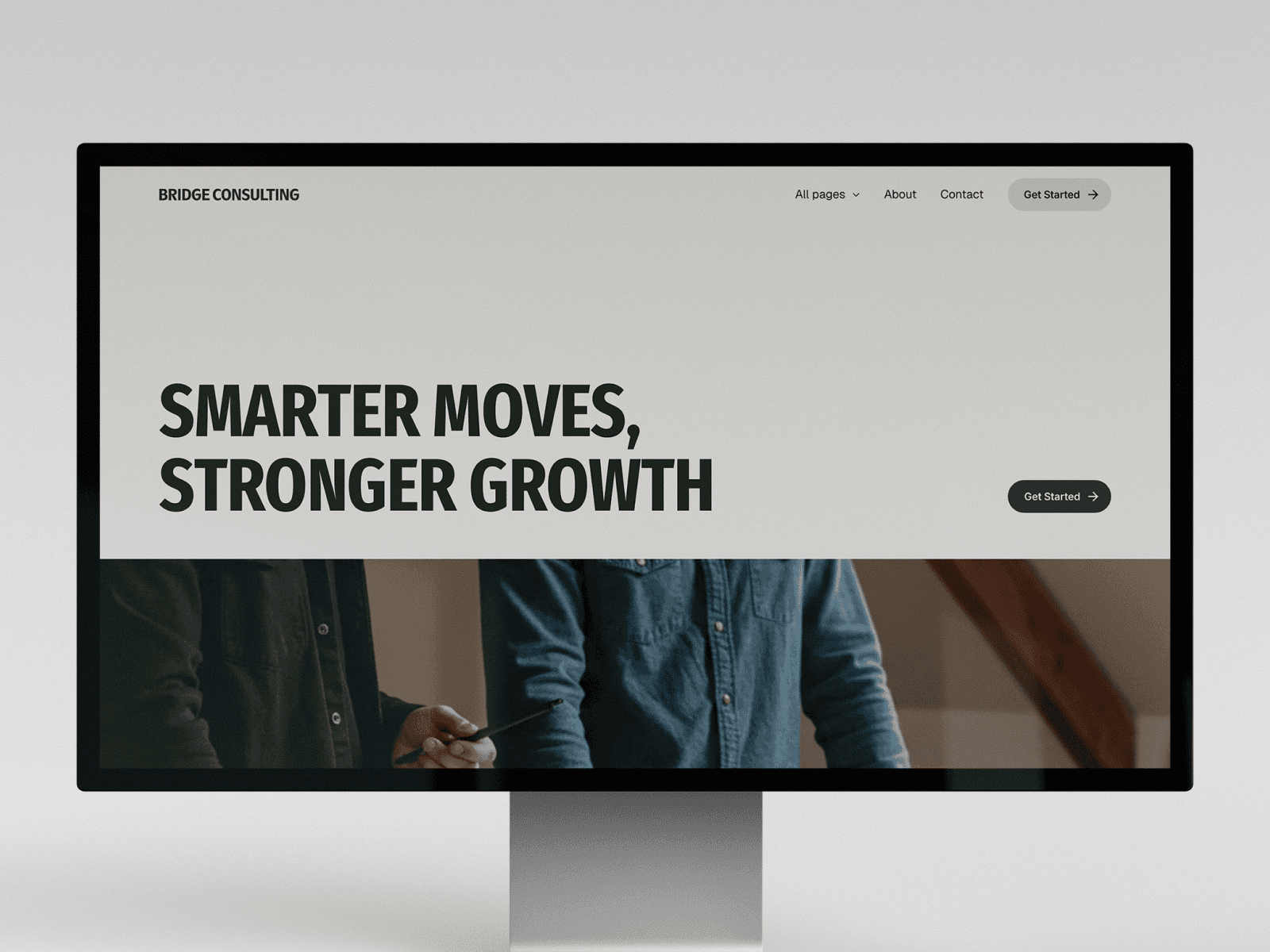
Button Pack: Fill is a Framer component for buttons with a hover fill. One button offers six effects that bring a plate in under the label: sweep, shutter, ink fill, stepped, directional and takes turns.
Add it from the Framer Marketplace, or copy the link into your project, and place it on the canvas. Choose an effect in the property controls, then a style: outline, filled or link. Six color controls set the look, and swell, squash and roll give the motion its character. There’s a keyboard focus ring, and it supports reduced motion.
Included
Six fill effects: Sweep, Shutter, Ink fill, Stepped, Directional, Takes turns
Outline, Filled, or Link styles
Signature motion: swell, squash, roll
Six color controls
Keyboard focus ring
Reduced-motion support
Type
Category
Button Pack: Fill
A button with six hover effects that bring a plate in under the label — sweep, shutter, ink fill, stepped, directional, and takes-turns.